
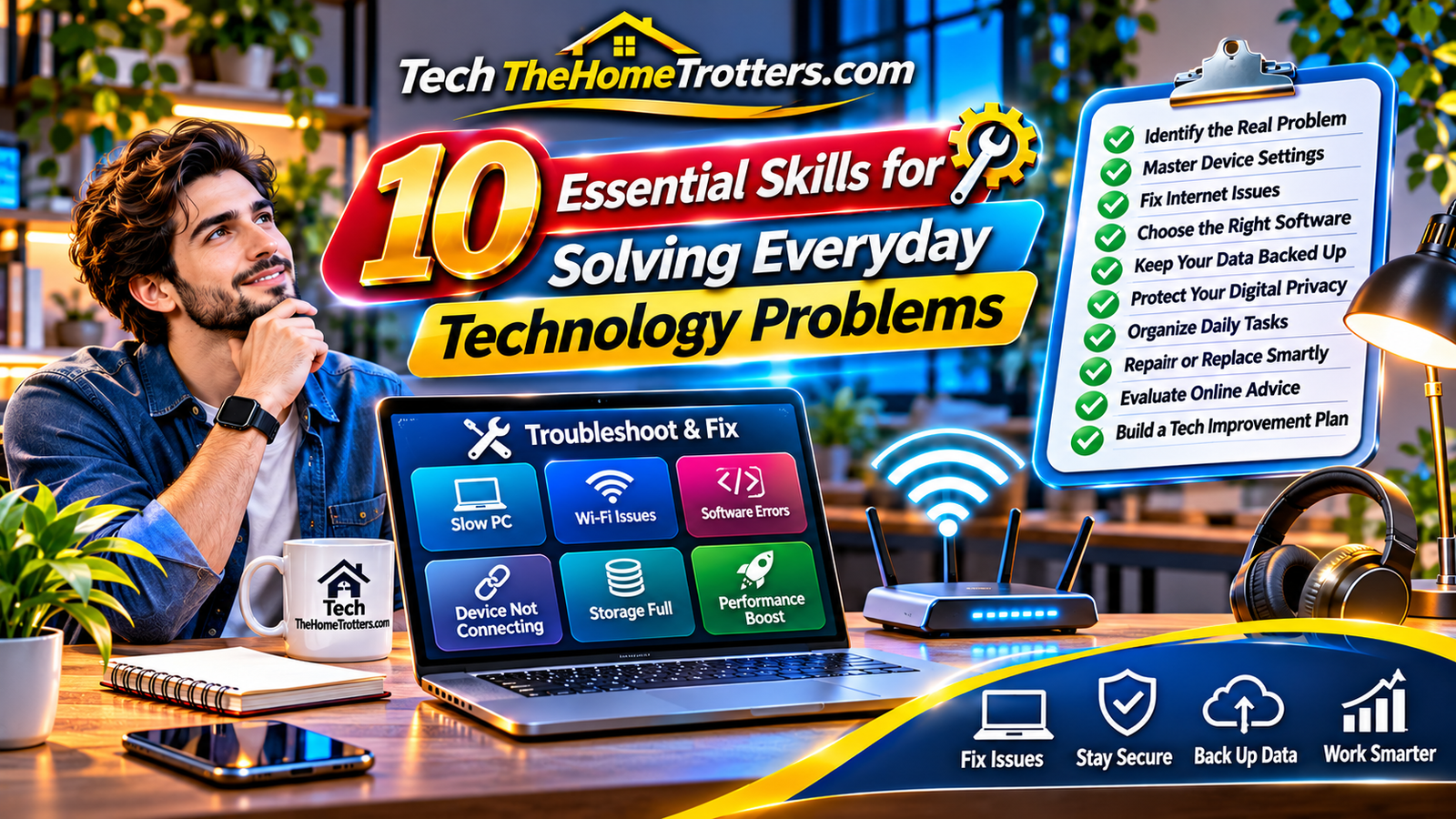
Technology is supposed to make life easier, but sometimes it creates problems of its own. A slow laptop, unreliable internet connection, confusing software settings, or a device that refuses to connect can interrupt an otherwise productive day.
The solution often starts with understanding how your technology works. You do not need to be an IT professional to identify common problems, compare products, or make better decisions about digital tools.
The topic of tech thehometrotters.com offers an opportunity to explore these practical areas of modern technology. It covers ideas that can help people manage devices, software, online services, and everyday digital challenges.
Whether you work from home, study online, run a small business, or simply want your devices to work properly, these skills can help you become a more confident technology user.
1. Learn to Identify the Real Cause of a Technology Problem
When something stops working, many people immediately assume that the device needs replacing. In reality, the problem may be much simpler.
A computer that runs slowly might have too many applications running in the background. An internet connection that keeps dropping may be affected by router placement or network congestion. A phone that runs out of battery quickly may have an application consuming excessive power.
A practical approach to tech thehometrotters.com is to encourage readers to investigate before spending money on repairs or replacement devices.
Start by describing the problem clearly. Identify when it happens, which applications are affected, and whether the issue occurs every time or only occasionally.
Then test one possible cause at a time. For example, restart the application before restarting the entire computer. Check another website before assuming the internet connection has failed.
This problem-solving method is useful when applying the everyday technology ideas discussed through tech thehometrotters.com.
A simple troubleshooting routine:
- Identify the exact problem.
- Check whether it affects one application or the entire device.
- Restart the affected application or device.
- Review recent changes or updates.
- Test the device again before making another change.
2. Become More Confident With Device Settings
Modern devices include many settings that users rarely explore. Display options, storage controls, accessibility features, notification preferences, and privacy permissions can all influence how a device performs.
You do not need to change everything. Learning where important settings are located is a better starting point.
For readers exploring tech thehometrotters.com, understanding basic device controls can make everyday technology less frustrating.
On a smartphone, review application permissions and battery usage. On a laptop, check available storage, startup applications, and power settings. On a television, explore picture modes, audio controls, and connected-device settings.
Accessibility options are worth exploring too. Features such as larger text, screen readers, voice input, and captions can make devices easier to use.
Before changing an unfamiliar setting, read its description. If you are unsure about an advanced option, leave it unchanged until you understand its purpose.
Learning these controls is one of the practical skills associated with tech thehometrotters.com because it can improve usability without requiring additional purchases.
3. Manage Your Internet Connection More Effectively
Internet problems can affect almost everything, including online meetings, streaming, gaming, file transfers, and smart devices.
However, slow internet does not always mean your internet package is inadequate.
The problem may come from a weak Wi-Fi signal, an overloaded network, outdated router software, or a temporary issue with your service provider.
A useful tech thehometrotters.com guide should help readers understand the difference between internet speed and wireless coverage.
Try running a speed test near your router and then repeat it in the room where the connection is weak. Compare the results to identify whether distance or signal quality may be contributing to the issue.
Other useful steps include:
- Move the router to a central, open location.
- Disconnect devices that are no longer being used.
- Restart network equipment when necessary.
- Update router firmware using official instructions.
- Use Ethernet for devices that need a stable connection.
If the problem continues, contact your internet service provider and share the results of your tests.
Understanding your network makes the advice covered by tech thehometrotters.com more useful because you can select equipment according to the problem you actually have.
Read more: SosoActive.com: 11 Powerful Strategies for Navigating a Digital Magazine
4. Choose Software According to Your Actual Needs
Software can help with almost every type of digital activity. There are applications for writing, accounting, design, communication, education, file management, and project planning.
The challenge is finding tools that genuinely improve your routine.
Before installing a new application, identify the task you want it to handle. Then compare its features, supported devices, privacy policy, pricing, and learning requirements.
The software selection approach connected with tech thehometrotters.com should focus on practical value rather than the number of features advertised.
For example, a student may need a note-taking application with search and synchronisation. A freelancer may prefer an invoicing tool with expense tracking. A small business may need inventory management and customer communication features.
Free applications can be useful, but check whether essential features are restricted to paid plans. Also consider whether the software displays advertisements or collects information about your usage.
Avoid installing several applications that perform exactly the same task. Too many overlapping tools can make your workflow harder to manage.
A smaller collection of reliable applications is often easier to maintain, which is an important consideration when following tech thehometrotters.com recommendations.
5. Develop Better Data Backup Habits
Losing important files can be stressful. Family photographs, business documents, study notes, and personal records may become inaccessible if a device is damaged, lost, or affected by malware.
That is why backup planning deserves attention.
The practical technology ideas associated with tech thehometrotters.com can help readers understand why storing important information in only one place creates unnecessary risk.
A backup is a separate copy of information that can be restored when the original becomes unavailable. Depending on your needs, this could involve an external hard drive, a trusted cloud storage service, or another suitable backup solution.
Consider using more than one backup location for particularly important information.
A practical backup routine:
- Identify files that would be difficult to replace.
- Select a suitable backup location.
- Set a regular backup schedule.
- Protect accounts with strong authentication.
- Test whether files can be restored.
Do not assume that synchronisation and backup are always the same thing. If a file is deleted or changed, some synchronisation services may also update the connected copy.
Understanding this difference is a valuable lesson for anyone exploring tech thehometrotters.com and looking for better ways to protect digital information.
6. Understand Digital Privacy Before Using New Services
Many online services request access to personal information. Applications may ask for location, camera, microphone, contacts, photographs, or storage permissions.
Some permissions are necessary for the service to function. Others may not be essential.
Before accepting a request, consider why the application needs that information. A video-calling application may require camera and microphone access, while a basic calculator generally has no obvious reason to access your contacts.
Privacy awareness is an important part of tech thehometrotters.com because digital convenience should not come at the expense of personal information.
Review the privacy settings of social media accounts, browsers, cloud services, and mobile applications. Remove permissions that are no longer needed and uninstall applications you no longer use.
Use official application stores and trusted websites when installing software. Avoid downloading unknown files from suspicious messages or unfamiliar websites.
For additional guidance, the Electronic Frontier Foundation’s Surveillance Self-Defense guide provides practical information about digital security and privacy.
Remember that no single setting guarantees complete privacy. Good protection comes from combining sensible settings, secure accounts, and careful online behaviour.
Readers who follow tech thehometrotters.com advice should make these checks a regular part of their digital routine.
7. Use Technology to Organise Personal and Business Tasks
Digital tools can reduce the amount of time spent managing routine activities. Calendars, reminders, spreadsheets, project boards, and document applications can all help organise information.
However, a useful system should remain simple enough to maintain.
A practical perspective on tech thehometrotters.com includes understanding how digital organisation can support different responsibilities without adding unnecessary complexity.
For personal use, a calendar can help track appointments, bills, and important dates. A notes application can store shopping lists, ideas, and reference information.
For business activities, spreadsheets can track expenses, orders, and stock. Project management tools can show task progress and deadlines.
If you work with other people, shared documents and calendars can make collaboration easier. Just make sure access permissions are appropriate for the information being shared.
Create a weekly review routine. Check upcoming deadlines, organise incomplete tasks, and remove reminders that are no longer relevant.
A simple organisation system is often more useful than switching between multiple applications throughout the day.
This is another practical area that readers can explore through tech thehometrotters.com when improving their everyday digital habits.
8. Recognise When a Device Needs Repair or Replacement
Every electronic device has a useful lifespan. Batteries lose capacity, storage can become insufficient, and hardware may eventually stop receiving software support.
Still, a small performance issue does not always mean it is time to buy a new product.
The problem-solving approach of tech thehometrotters.com encourages readers to compare repair costs with replacement costs.
For example, a laptop with insufficient storage might benefit from a compatible storage upgrade. A smartphone with poor battery life may need a professional battery replacement. A desktop computer might perform better after unnecessary startup applications are removed.
Before choosing a repair, check the device’s warranty and contact an authorised service provider where appropriate.
Replacement may make more sense when repairs are expensive, essential components are unavailable, or the manufacturer no longer provides important security updates.
Compare the total cost of ownership rather than looking only at the initial purchase price.
A sensible decision protects your budget while helping you avoid relying on equipment that no longer meets your needs. This makes repair and replacement decisions an important subject within tech thehometrotters.com.
9. Learn to Evaluate Online Technology Advice
The internet contains thousands of product reviews, tutorials, comparison articles, and troubleshooting videos. Some are helpful, while others may contain outdated information or promotional claims.
Learning to evaluate advice is an important digital skill.
When reading tech thehometrotters.com or any other technology resource, consider whether the information is supported by reliable documentation and clear explanations.
Check the publication date, especially for software tutorials and device recommendations. Menus, prices, compatibility requirements, and security features can change over time.
Look for the manufacturer’s official documentation when checking specifications or troubleshooting instructions.
Be cautious of articles that promise unrealistic performance improvements or recommend downloading unfamiliar software to fix every problem.
Independent reviews can provide useful experiences, but one person’s result may not apply to your device or circumstances.
Compare multiple sources before making expensive decisions. Reliable technology research should help you understand both the benefits and limitations of a product.
Readers exploring tech thehometrotters.com should also check whether recommendations are based on actual specifications rather than advertising claims.
10. Create a Personal Technology Improvement Plan
Trying to improve every part of your digital life at once can become overwhelming. A better strategy is to work through one area at a time.
Start with the problem that affects you most. If your computer is slow, investigate its performance. If your internet connection is unreliable, review your network. If you regularly lose files, improve your backup routine.
The ideas behind tech thehometrotters.com can provide a starting point for creating a more organised approach to technology.
You can divide improvements into three categories:
| Priority | Examples | Suggested approach |
|---|---|---|
| Immediate | Security updates, weak passwords, missing backups | Address important risks first |
| Short-term | Slow internet, cluttered files, outdated applications | Improve existing equipment and routines |
| Long-term | New computer, network upgrade, major software change | Research costs and compatibility carefully |
Keep a record of the changes you make. If a new setting creates a problem, you will know what was changed and can investigate more easily.
A personal technology plan should remain flexible. Your needs may change as your work, education, household, and available equipment evolve.
The practical lessons discussed through tech thehometrotters.com can help you decide which improvements deserve attention first.
Common Mistakes That Make Technology Harder to Manage
Even experienced users can develop habits that create unnecessary problems.
Changing several settings at once: If something stops working afterward, identifying the cause becomes difficult. Make one change and test the result.
Ignoring warning messages: Storage warnings, security alerts, and update notifications can contain important information. Read them before dismissing them.
Downloading software from unknown sources: Untrusted downloads may contain harmful files or unwanted applications. Use official sources whenever possible.
Buying equipment without checking compatibility: A product may not support your existing system or required features. Confirm specifications before purchasing.
Forgetting to test backups: A backup that cannot be restored provides little protection. Test recovery periodically.
These mistakes show why learning practical technology skills is useful. Good habits can prevent avoidable expenses and reduce everyday frustration.
Read more: The Dawn of Quantum Cloud Services: How Businesses Will Tap Into Quantum Power by 2030
Frequently Asked Questions
What is tech thehometrotters.com about?
The phrase can be explored as a technology-focused topic covering device troubleshooting, digital organisation, online privacy, software selection, and everyday technology skills. Verify the identity and services of any specific website independently before treating it as an official source.
How can I troubleshoot a slow computer?
Start by restarting the computer, checking available storage, reviewing startup applications, and installing official updates. If the problem continues, investigate whether a particular application or hardware component is responsible.
How can I protect important digital files?
Keep separate backups of important information, use secure accounts, and periodically test whether your files can be restored. An external drive and a reputable cloud service can provide different backup options.
Should I repair an old device or replace it?
Compare repair costs, warranty coverage, hardware condition, software support, and the price of a suitable replacement. Repair is often reasonable when the issue is limited and the device still meets your requirements.
Why is digital privacy important?
Online services can collect personal information through accounts, applications, and connected devices. Reviewing permissions and using secure authentication can help reduce unnecessary exposure.
Final Thoughts
Being confident with technology does not mean knowing every technical detail. It means understanding how to investigate problems, select suitable tools, protect information, and make sensible decisions when something goes wrong.
The practical ideas covered here show how tech thehometrotters.com can be explored through everyday problem-solving rather than product features alone.
Start with the devices and services you already use. Learn their important settings, keep your information backed up, review your privacy controls, and research purchases before spending money.
A few consistent habits can make technology easier to manage. With a thoughtful approach, tech thehometrotters.com can serve as a useful theme for exploring more reliable, organised, and confident digital living.
